ZAKELIJKE TOOL
Je printer weet wat er volgt
Machine-beheer met tijdslots. Realtime voortgang per job
Reserveer nu uw plek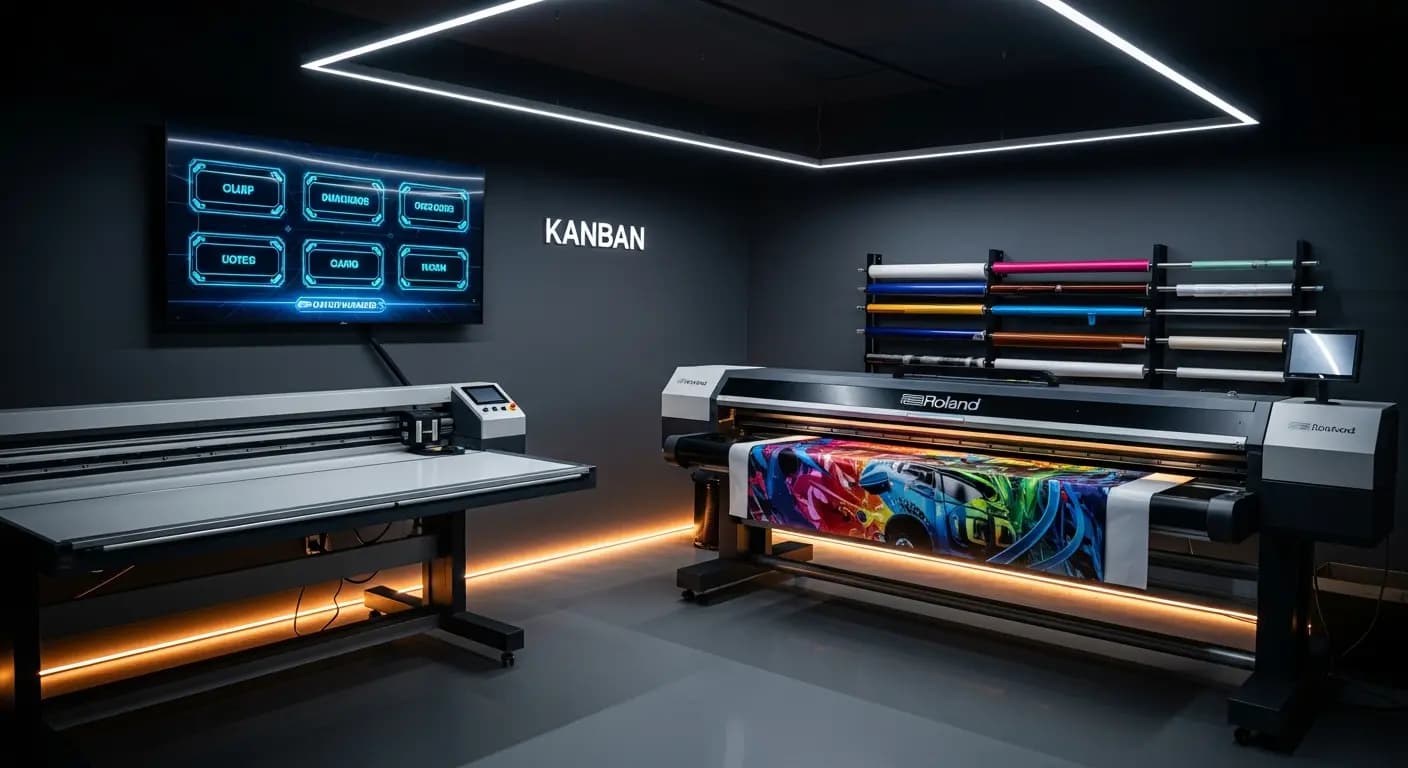
- ✗Briefje aan de werkplaatsmuur — van vorige week
- ✗Monteurs vragen: "Wat moet ik doen?"
- ✗Geen real-time status voor lopende jobs
- ✗3× meer omstellingen dan nodig
- ✗Machinebelasting? Alleen geschat
- ✓Digitaal kanban-board in de werkplaats
- ✓Iedereen ziet zijn volgende job direct
- ✓Real-time voortgang voor iedereen zichtbaar
- ✓AI minimaliseert omstellingen automatisch
- ✓Machine-slots gepland en getrackt
HET PROBLEEM
Productie in het duister
De productielijst hangt als papiertje aan de werkplaatsmuur. Wie wijzigt hem? Is de Roland-job al gedrukt? Kan ik de Zünd-cutter morgen inplannen? Niemand weet het zeker
Wachttijden en gemiste deadlines
DE OPLOSSING
Realtime overzicht
Beheer machines met tijdslots
AI-optimalisatie voor minder omsteltijden
- Machine-beheer
- Productie-slots
- Realtime voortgang
- AI-optimalisatie
- Opdracht-overzicht
Zo werkt het
Machines aanmaken
Met capaciteiten
Jobs toewijzen
Tijdslots verdelen
Tracken
Realtime status
Optimaliseren
AI-ondersteunde volgorde
De productieaansturing verbindt jobbeheer en machineplanning: elke klus die de productie ingaat, krijgt een machinetijdslot. Medewerkers zien realtime wat er als volgende wordt geprint — zonder papieren briefjes aan de werkplaatsmuur
Digital production control
Store machines with capacities, setup times and time windows
Jobs from the Kanban are assigned to machine slots via drag & drop
Production display in the workshop shows the current plan in real time
Progress per job is tracked — delays become immediately visible
UW VOORDELEN
- ✓No communication chaos between office and workshop
- ✓Real-time progress visible for all parties
- ✓Machine utilization at a glance
- ✓AI optimization suggestion reduces setup changes
- ✓Exportable production list as PDF or print
3×
fewer setup changes
20→6 min
per changeover
Drag & Drop
kanban
Live
progress
Veelgestelde vragen
Can I manage multiple machines?
Yes. Unlimited machines with individual profiles: printer, plotter, router, laminator — everything that needs time slots
How is progress tracked?
Employees report start and end via the app or through the production display in the workshop
Can I enter maintenance windows?
Yes. Maintenance, holidays and machine downtime can be entered as blocked time windows
Does this connect with the AI production module?
Yes. The AI module uses the machine data from the production module for its optimization suggestions
Productie digitaal plannen
9 €/maand · Betatester · 10 plekken per land
VoorregistrerenGERELATEERDE FUNCTIES