VERKTYG FÖR FÖRETAG
Din skrivare vet vad som kommer härnäst
Maskinhantering med tidsfönster. Realtidsframsteg per jobb
Säkra din plats nu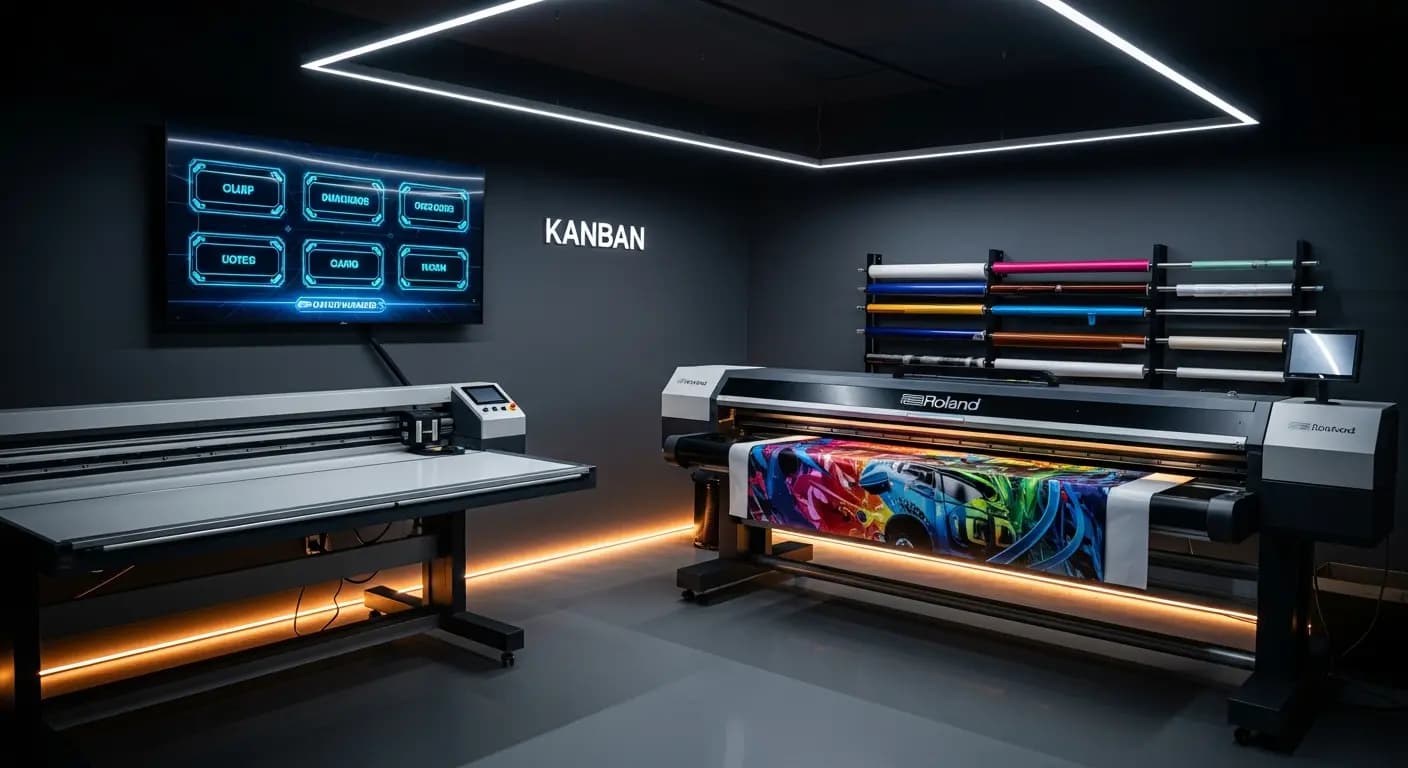
- ✗Lapp på verkstadsväggen — från förra veckan
- ✗Montörer frågar: "Vad ska jag göra?"
- ✗Ingen realtidsstatus för pågående jobb
- ✗3× fler omställningar än nödvändigt
- ✗Maskinbeläggning? Bara uppskattad
- ✓Digitalt kanban-board i verkstaden
- ✓Alla ser sitt nästa jobb direkt
- ✓Realtidsframsteg synligt för alla
- ✓AI minimerar omställningar automatiskt
- ✓Maskinslots planerade och spårade
PROBLEMET
Produktion i blindo
Produktionslistan hänger som en lapp på verkstadens vägg. Vem ändrar den? Är Roland-jobbet redan tryckt? Kan jag boka Zünd-skäraren imorgon? Ingen vet säkert
Väntetider och missade deadlines
LÖSNINGEN
Realtidsöversikt
Hantera maskiner med tidsfönster
AI-optimering för färre omställningar
- Maskinhantering
- Produktionsslots
- Realtidsframsteg
- AI-optimering
- Uppdragsöversikt
Så här fungerar det
Skapa maskiner
Med kapaciteter
Tilldela jobb
Fördela tidsfönster
Spåra
Realtidsstatus
Optimera
AI-stödd ordning
Produktionsstyrningen kopplar ihop jobbhantering och maskinplanering: varje jobb som går in i produktion tilldelas en maskintid. Medarbetarna ser i realtid vad som ska skrivas ut härnäst — utan pappersnoteringar på verkstadsväggen
Digital production control
Store machines with capacities, setup times and time windows
Jobs from the Kanban are assigned to machine slots via drag & drop
Production display in the workshop shows the current plan in real time
Progress per job is tracked — delays become immediately visible
DINA FÖRDELAR
- ✓No communication chaos between office and workshop
- ✓Real-time progress visible for all parties
- ✓Machine utilization at a glance
- ✓AI optimization suggestion reduces setup changes
- ✓Exportable production list as PDF or print
3×
fewer setup changes
20→6 min
per changeover
Drag & Drop
kanban
Live
progress
Vanliga frågor
Can I manage multiple machines?
Yes. Unlimited machines with individual profiles: printer, plotter, router, laminator — everything that needs time slots
How is progress tracked?
Employees report start and end via the app or through the production display in the workshop
Can I enter maintenance windows?
Yes. Maintenance, holidays and machine downtime can be entered as blocked time windows
Does this connect with the AI production module?
Yes. The AI module uses the machine data from the production module for its optimization suggestions
Planera produktion digitalt
9 €/månad · Betatestare · 10 platser per land
Förregistrera digRELATERADE FUNKTIONER