İŞ ARACI
Takımının nerede olduğunu biliyorsun. Takımın ne yapacağını biliyor
Roller, yetkiler, geofencing, takım haritası
Yerinizi şimdi ayırtın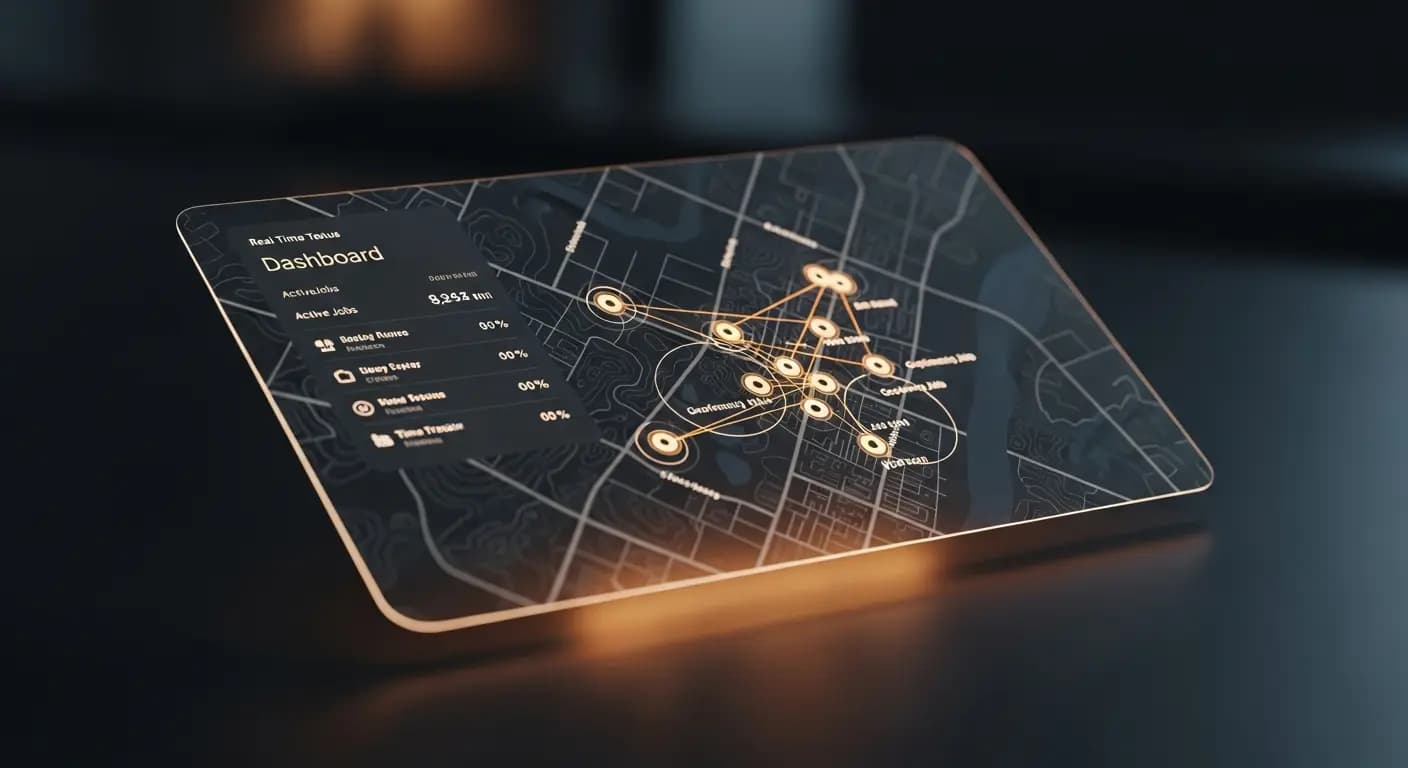
- ✗"Kevin nerede?" — Sesli mesaj, cevap yok
- ✗Teknisyen yanlış müşteriye atanmış
- ✗Varıp varmadığını bilmemek
- ✗Kör planlama — haftada 10 saat kayıp
- ✗Roller ve yetkiler? Herkes her şeyi görüyor
- ✓Gerçek zamanlı harita: her teknisyen görünür
- ✓Sonraki işi en yakın teknisyene ata
- ✓GPS giriş — otomatik belgelenmiş
- ✓Her müşteri konumunda geofencing bölgeleri
- ✓Çalışan bazında rol tabanlı yetkiler
SORUN
Montajcılar yolda, genel bakış yok
Montajcı nerede? Müşterinin yanında mı? Malzemeyi beraberinde getirdi mi? Arıyorsun, açmıyor. Müşteri ne zaman birinin geleceğini soruyor. Bilmiyorsun
Şantiyedeki çalışma saatleri mi? Güven meselesi
ÇÖZÜM
Geofencing ve takım haritası
Geofencing ile otomatik check-in/check-out
Gerçek zamanlı pozisyonlarla takım haritası
- Roller: Admin, Çalışan, Montajcı
- Yetkiler
- Geofencing Alanları
- Check-in/Check-out
- Takım Haritası
Nasıl çalışır
Takımı davet et
E-mail ile
Alanlar oluştur
Müşteri konumları etrafında
Genel bakış
Gerçek zamanlı harita
Değerlendir
Denetim kayıtları
5 çalışanlı bir montaj işletmesinin karmaşık İK yazılımına ihtiyacı yok — ama çalışanların nerede olduğu, ne yaptığı ve müşteriye zamanında varıp varmadığı konusunda netliğe ihtiyacı var. Geofencing ve ekip haritası, gözetim kaygısı olmadan bu görünümü sağlar
Team overview in real time
Invite employees — configure role, permissions and work areas
Set up geofencing zones at client addresses — automatic check-in and check-out
Team map shows current locations of all active employees
Times are automatically recorded when employees enter or leave geofencing zones
AVANTAJLARINIZ
- ✓Automatic check-in saves manual time entry
- ✓Deviations from planned routes immediately visible
- ✓Role-based permissions for different employee levels
- ✓Team map for dispatching with multiple simultaneous jobs
- ✓GDPR compliant: tracking only during working hours
Live GPS
team map
Geofencing
check-in/out
3 roles
admin · team · client
invitation
Sıkça Sorulan Sorular
Do employees know they are being tracked?
Yes. Tracking is transparent — employees can see it in the web app and it is limited to working hours
How large can geofencing zones be?
Configurable from 50 meters to several kilometers. Standard for client locations is 100-200 meters
What happens if an employee does not install the app?
Manual time entry is always possible. Geofencing and team map require the mobile browser view
Is this GDPR compliant?
Yes. Location data is only collected with explicit consent, exclusively during working hours and not shared with third parties