FORRETNINGSVÆRKTØJ
Din printer ved hvad der kommer næst
Maskin-management med tidsvinduer. Realtids fremskridt per job
Sikr din plads nu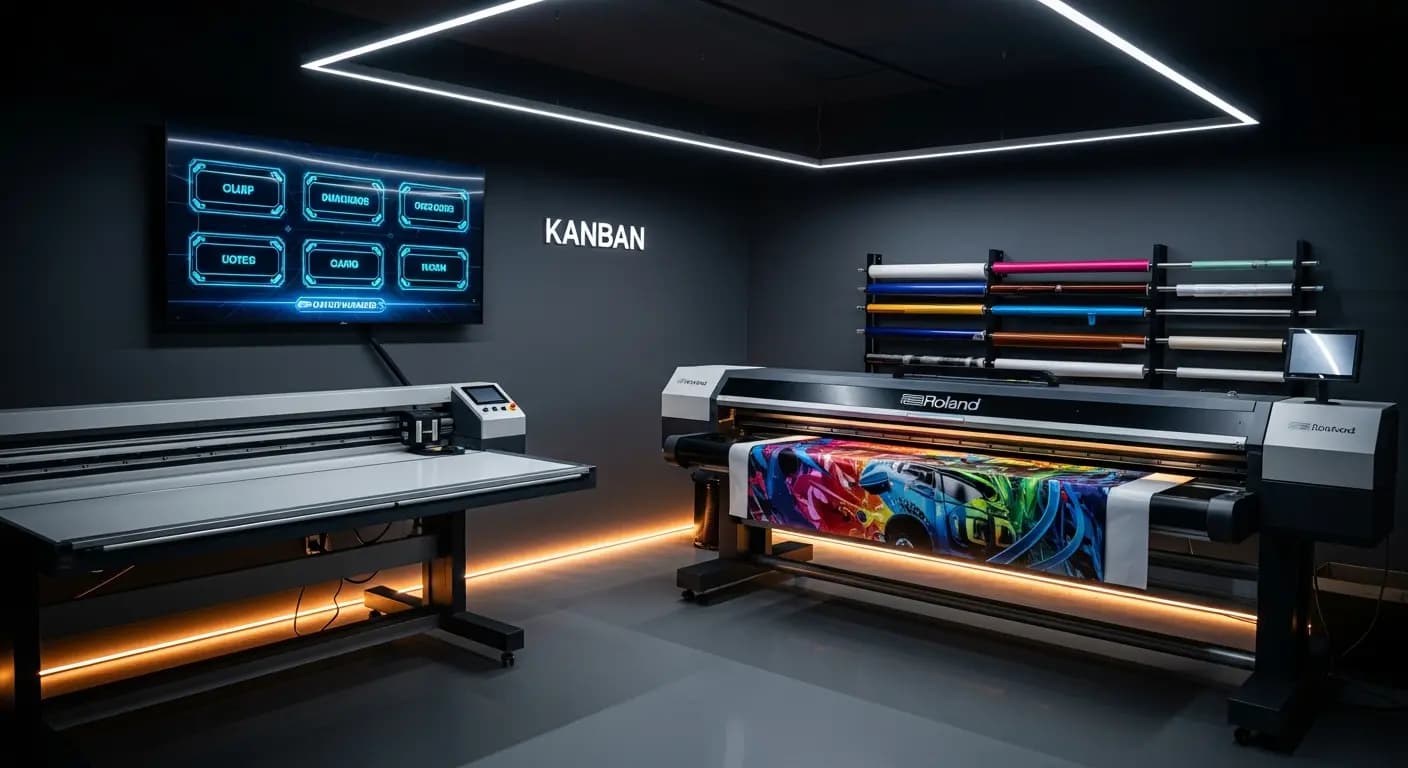
- ✗Seddel på værkstedsvæggen — fra sidste uge
- ✗Montører spørger: "Hvad skal jeg lave?"
- ✗Ingen realtidsstatus for igangværende jobs
- ✗3× flere omstillinger end nødvendigt
- ✗Maskinudnyttelse? Kun estimeret
- ✓Digitalt kanban-board i værkstedet
- ✓Alle ser deres næste job med det same
- ✓Realtids-fremskridt synligt for alle
- ✓AI minimerer omstillinger automatisk
- ✓Maskinslots planlagte og sporede
PROBLEMET
Produktion i blinde
Produktionslisten hænger som en seddel på værkstedsvæggen. Hvem ændrer den? Er Roland-jobbet allerede printet? Kan jeg booke Zünd-cutteren i morgen? Ingen ved det præcist
Ventetider og missede deadlines
LØSNINGEN
Realtids-overblik
Administrer maskiner med tidsvinduer
KI-optimering for færre setup-skift
- Maskin-management
- Produktions-slots
- Realtids fremskridt
- KI-optimering
- Ordre-overblik
Sådan fungerer det
Opret maskiner
Med kapaciteter
Tildel jobs
Tildel tidsvinduer
Track
Realtids status
Optimer
KI-støttet rækkefølge
Produktionsstyring forbinder opgavestyring og maskinplanlægning: hver opgave, der går i produktion, tildeles et maskintidsrum. Medarbejderne ser i realtid, hvad der printes næste gang — uden papirsedler på værkstedsvæggen
Digital production control
Store machines with capacities, setup times and time windows
Jobs from the Kanban are assigned to machine slots via drag & drop
Production display in the workshop shows the current plan in real time
Progress per job is tracked — delays become immediately visible
DINE FORDELE
- ✓No communication chaos between office and workshop
- ✓Real-time progress visible for all parties
- ✓Machine utilization at a glance
- ✓AI optimization suggestion reduces setup changes
- ✓Exportable production list as PDF or print
3×
fewer setup changes
20→6 min
per changeover
Drag & Drop
kanban
Live
progress
Ofte stillede spørgsmål
Can I manage multiple machines?
Yes. Unlimited machines with individual profiles: printer, plotter, router, laminator — everything that needs time slots
How is progress tracked?
Employees report start and end via the app or through the production display in the workshop
Can I enter maintenance windows?
Yes. Maintenance, holidays and machine downtime can be entered as blocked time windows
Does this connect with the AI production module?
Yes. The AI module uses the machine data from the production module for its optimization suggestions
Plan produktion digitalt
9 €/måned · Betatester · 10 pladser per land
ForhåndsregistreringRELATEREDE FUNKTIONER