STRUMENTO AZIENDALE
Sai dove si trova il tuo team. Il tuo team sa cosa fare
Ruoli, autorizzazioni, geofencing, mappa team
Prenota il tuo posto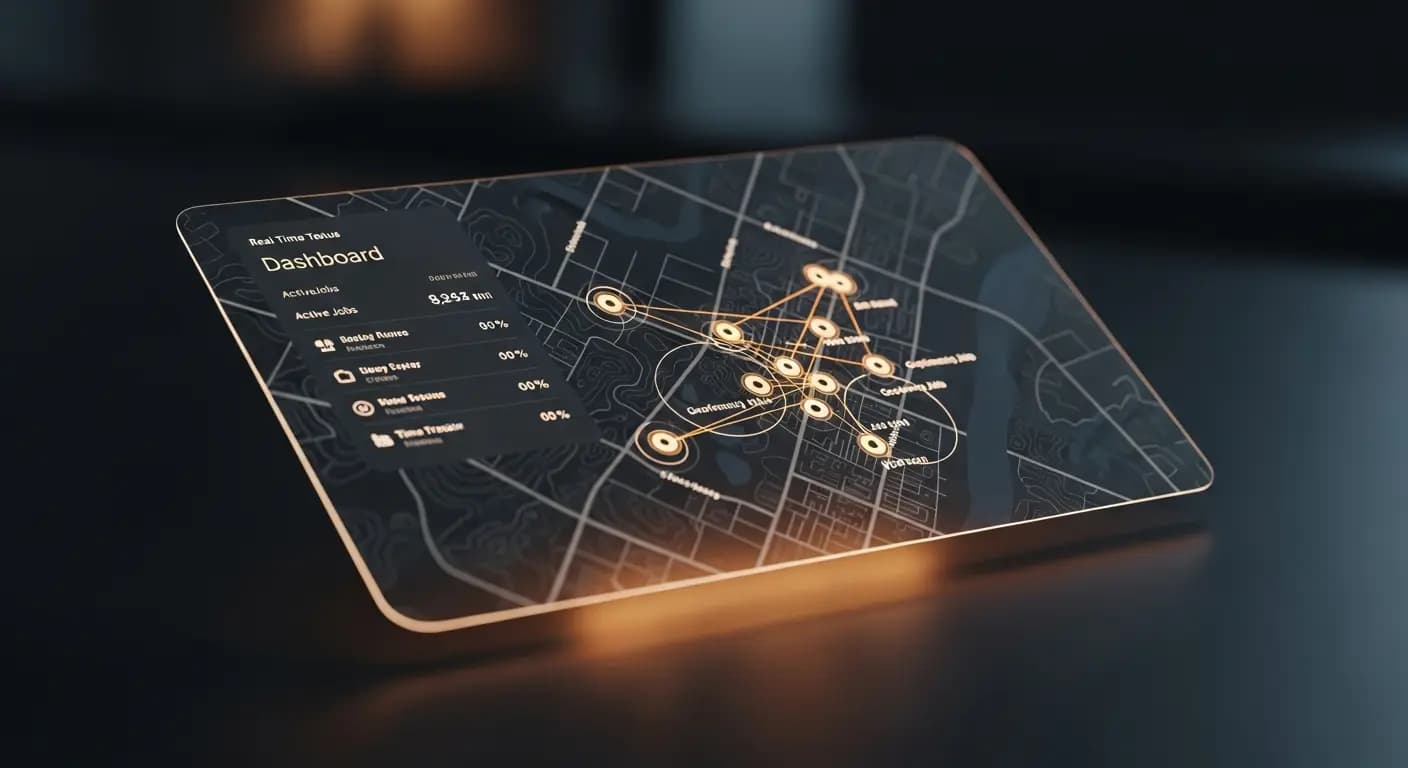
- ✗"Dov'è Kevin?" — Segreteria, nessuna risposta
- ✗Tecnico assegnato al cliente sbagliato
- ✗Nessuna idea se è arrivato
- ✗Pianificare alla cieca — 10 h/settimana perse
- ✗Ruoli e permessi? Tutti vedono tutto
- ✓Mappa in tempo reale: ogni tecnico visibile
- ✓Assegnare il prossimo lavoro al tecnico più vicino
- ✓Check-in GPS — documentato automaticamente
- ✓Zone di geofencing presso ogni cliente
- ✓Permessi basati sui ruoli per dipendente
IL PROBLEMA
Montatori in giro, nessuna visione d'insieme
Dov'è il montatore? È già dal cliente? Ha il materiale con sé? Telefoni, non risponde. Il cliente chiede quando arriva qualcuno. Non lo sai
Orari di lavoro sul cantiere? Questione di fiducia
LA SOLUZIONE
Geofencing e Mappa Team
Check-in/Check-out automatico tramite geofencing
Mappa team con posizioni in tempo reale
- Ruoli: Admin, Dipendente, Montatore
- Autorizzazioni
- Zone Geofencing
- Check-in/Check-out
- Mappa Team
Come funziona
Invita team
Via email
Crea zone
Intorno alle sedi clienti
Panoramica
Mappa in tempo reale
Analizza
Log di audit
Un'azienda di installazioni con 5 dipendenti non ha bisogno di software HR complesso — ma serve chiarezza su dove sono i dipendenti, cosa fanno e se sono arrivati in orario dal cliente. Geofencing e mappa del team offrono questa panoramica senza preoccupazioni di sorveglianza
Team overview in real time
Invite employees — configure role, permissions and work areas
Set up geofencing zones at client addresses — automatic check-in and check-out
Team map shows current locations of all active employees
Times are automatically recorded when employees enter or leave geofencing zones
I VOSTRI VANTAGGI
- ✓Automatic check-in saves manual time entry
- ✓Deviations from planned routes immediately visible
- ✓Role-based permissions for different employee levels
- ✓Team map for dispatching with multiple simultaneous jobs
- ✓GDPR compliant: tracking only during working hours
Live GPS
team map
Geofencing
check-in/out
3 roles
admin · team · client
invitation
Domande frequenti
Do employees know they are being tracked?
Yes. Tracking is transparent — employees can see it in the web app and it is limited to working hours
How large can geofencing zones be?
Configurable from 50 meters to several kilometers. Standard for client locations is 100-200 meters
What happens if an employee does not install the app?
Manual time entry is always possible. Geofencing and team map require the mobile browser view
Is this GDPR compliant?
Yes. Location data is only collected with explicit consent, exclusively during working hours and not shared with third parties
Configura Gestione Team
9 €/mese · accesso beta · 10 posti per paese
Pre-registratiFUNZIONALITÀ CORRELATE