ZAKELIJKE TOOL
Offertes die jobs worden. Geen prullenbakken
AI-gecreëerd of handmatig. Versiebeheer, klantgoedkeuring en sevDesk-sync
Reserveer nu uw plek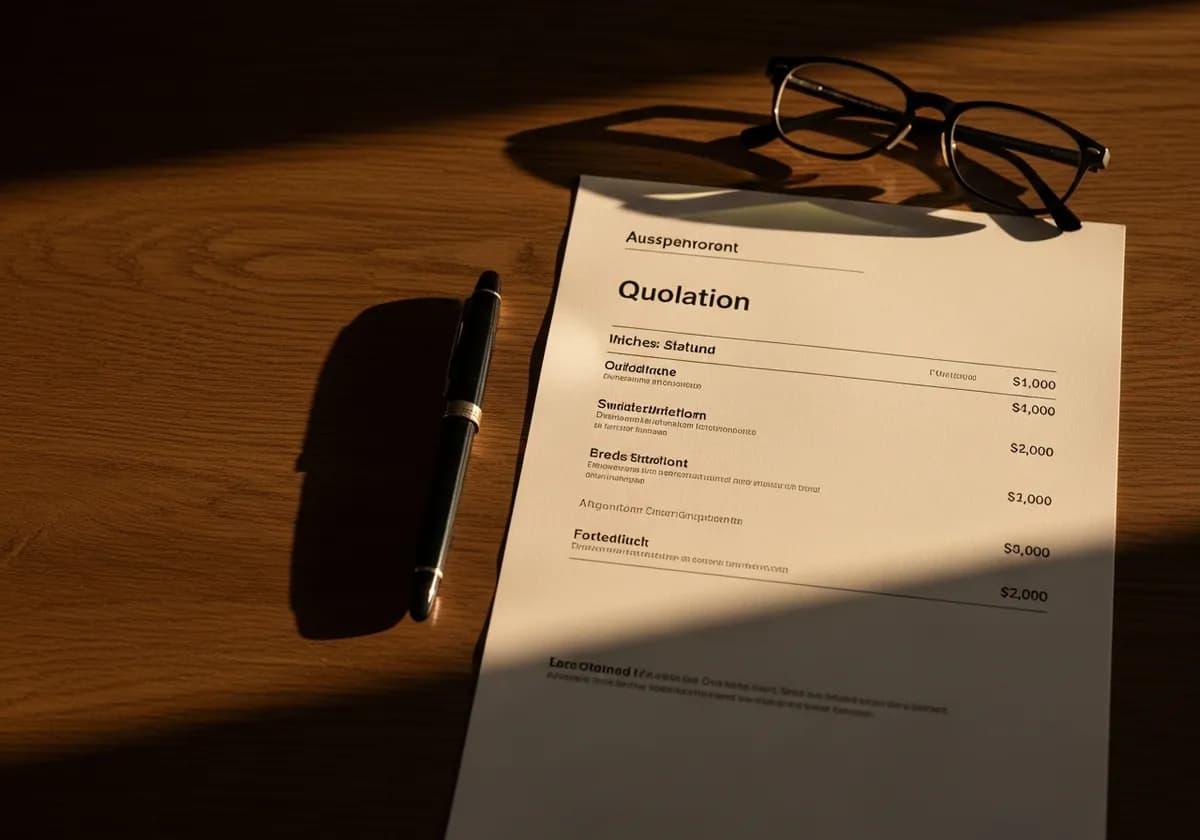
- ✗Excel-tabel met logo — onprofessioneel
- ✗Elke versie handmatig als nieuw bestand opslaan
- ✗Goedkeuring via WhatsApp — niet rechtsgeldig
- ✗Offerte overtypen, dan factuur overtypen
- ✗Geen idee of de klant het gelezen heeft
- ✓Professionele PDF met prijsonderbouwing
- ✓Automatische versiebeheer met herstelmogelijkheid
- ✓Digitale goedkeuring met tijdstempel
- ✓Eén klik: overdracht naar je boekhouding
- ✓Live-status: open, gelezen, geaccepteerd
HET PROBLEEM
Offertes in Word of Excel
Je stuurt de offerte en hoort niets. Een week later: 'Heeft u de offerte nog?' Je zoekt de PDF, stuurt hem opnieuw. De klant had hem nooit geopend
Geen versiebeheer, geen goedkeuringstracking
DE OPLOSSING
Professioneel Offerte-Systeem
AI of handmatig. Versiebeheer met vergelijking en herstel
Klantgoedkeuring via link, betaalstatus en boekhoudsync
- AI of handmatig
- Versiebeheer
- Klantgoedkeuring
- Betaalstatus en boekhoudsync
- sevDesk-sync
Zo werkt het
Creëer
Via AI of handmatig
Verstuur
PDF of goedkeuringslink
Goedkeuring
Klant bevestigt digitaal
Omzetten
Naar job of factuur
Een professioneel offertesysteem gaat veel verder dan een PDF maken: versiebeheer, goedkeuringsworkflow, opvolging en directe koppeling aan klussen en facturen maken het verschil tussen een offerte die in de prullenbak belandt en een die een opdracht wordt
From quote to order
Create a quote via AI in 30 seconds or manually with the line-item editor
Send by email or link — the client opens it in the browser without logging in
Digital approval with timestamp — legally documented and without WhatsApp chaos
Accepted quote becomes a job and invoice with one click
UW VOORDELEN
- ✓No more lost quote versions thanks to versioning with restore
- ✓Client approval digitally and legally documented
- ✓Handoff to your accounting (sevDesk/DATEV/Lexoffice) with all line items
- ✓Quote status always visible — open, accepted, rejected
- ✓Market price justification automatically added on request
30s
from voice brief
AI
price justification
Versions
+ comparison
in your brand
Veelgestelde vragen
How many quotes can I create?
Er is geen aparte offertelimiet. Starter bevat tot 5 gebruikers, 100 memo's en 200 AI-acties per maand.
Can the client edit the quote?
No. The client can comment and approve, but cannot change line items. Change requests come back as comments
How does versioning work?
Every change to a quote is saved as a new version. You can restore a previous version or compare versions at any time
Is sevDesk automatically updated?
Yes. Approved quotes are automatically transferred as quotes to sevDesk