ZAKELIJKE TOOL
Weet in 10 seconden of je bedrijf geld verdient
Omzet-rapporten, winstgevendheidsanalyses, aangepaste rapport builder
Reserveer nu uw plek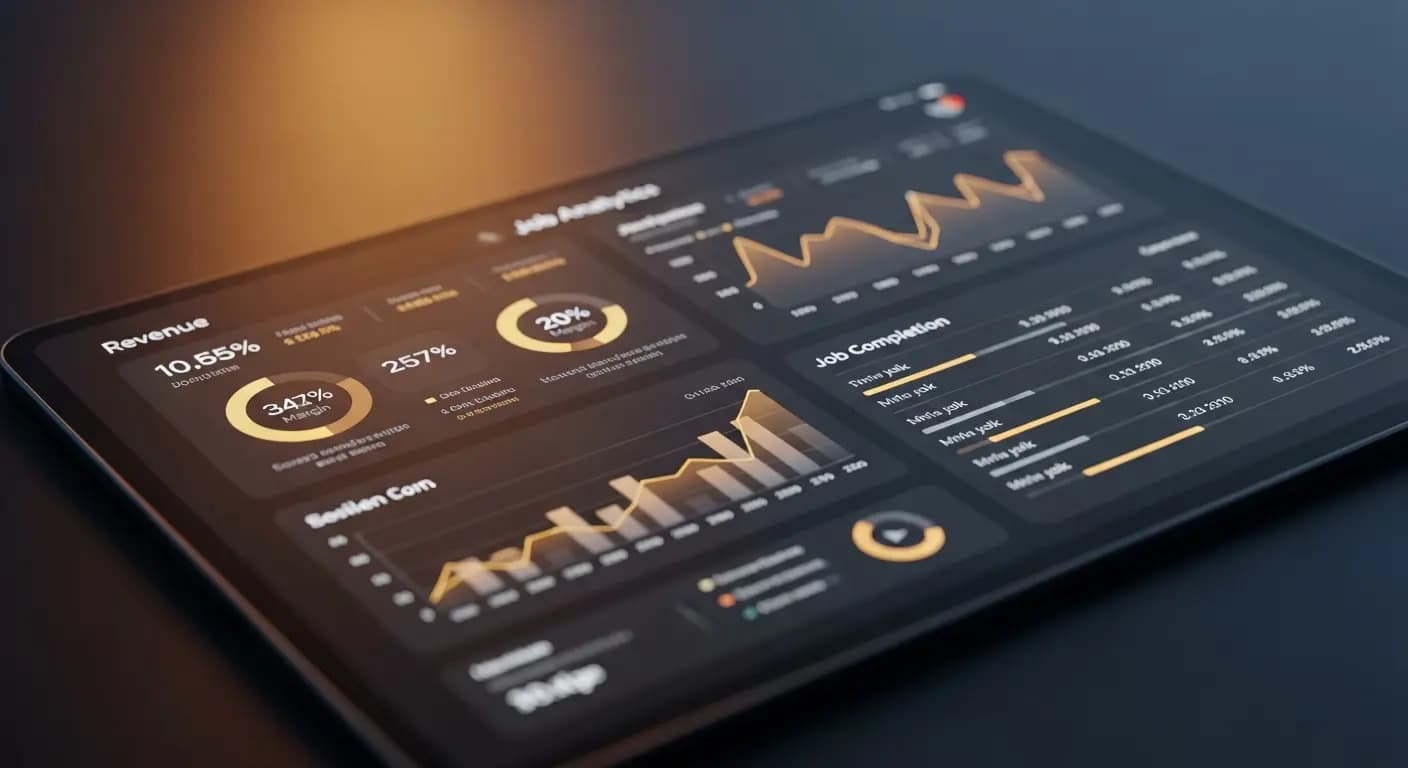
- ✗Boekhouder geeft je de cijfers over 6 weken
- ✗Excel-pivot voor een simpele analyse
- ✗Marge per opdracht? Geen idee
- ✗Piloot zonder instrumenten — blinde vlucht
- ✗Beslissingen pas als het te laat is
- ✓Real-time dashboard met alle KPI's
- ✓Marge, omzet, bezetting in één oogopslag
- ✓Winstgevendheid per klant en opdracht
- ✓Periodevergelijking toont trends direct
- ✓CSV/PDF-export voor boekhouder per klik
HET PROBLEEM
Geen idee of de zaak loopt
Verdient de zaak geld? Welke klant brengt het meest op? Welke opdrachtsoort is het meest winstgevend? Je weet het niet — omdat de gegevens verspreid zijn over Excel, sevDesk en je hoofd
Gegevens in verschillende systemen
DE OPLOSSING
Rapporten op knopdruk
Omzet, winstgevendheid, tijdregistratie, klanten
Aangepaste rapport builder. Presets. Export
- Omzet-rapporten
- Winstgevendheid
- Tijdregistratie
- Rapport Builder
- CSV/PDF-Export
Zo werkt het
Rapport kiezen
Preset of eigen
Periode
Dag tot jaar
Analyseren
Grafieken en tabellen
Exporteren
CSV of PDF
Of een bedrijf geld verdient, zie je niet aan het banksaldo — maar aan de marge per klus, de winstgevendheid per uur en per klant. PlotonIQ Reports maken deze cijfers zichtbaar zonder uren aan spreadsheets te bouwen
Numbers that actually matter
Open the dashboard with key KPIs — revenue, open invoices, margin
Filter by client, period, employee or job type
Period comparison: this week vs. last week, this month vs. prior year
Export as PDF or CSV — for accountants, banks or investors
UW VOORDELEN
- ✓Profitability per job and client at a glance
- ✓Time tracking analysis for job post-calculation
- ✓Custom report builder without programming knowledge
- ✓Period comparisons reveal trends early
- ✓Export for accountants and financial discussions
Live
revenue + margin
CSV + PDF
export
Custom
report builder
Plan-vs-Actual
post-calc
Veelgestelde vragen
How current is the report data?
All reports are based on real-time data. There is no delay or nightly update
What is the custom report builder?
A visual editor for building your own reports from predefined data blocks — no SQL or programming required
Can employees access all reports?
No. Reports are role-based: employees see their own time tracking, business owners see all data
Which KPIs are available by default?
Revenue, margin, job volume, open invoices, time tracking by employee, client profitability and quote conversion rate