BUSINESS TOOL
U weet waar uw team is. Uw team weet wat te doen
Rollen, machtigingen, geofencing, team-kaart
Reserveer nu uw plek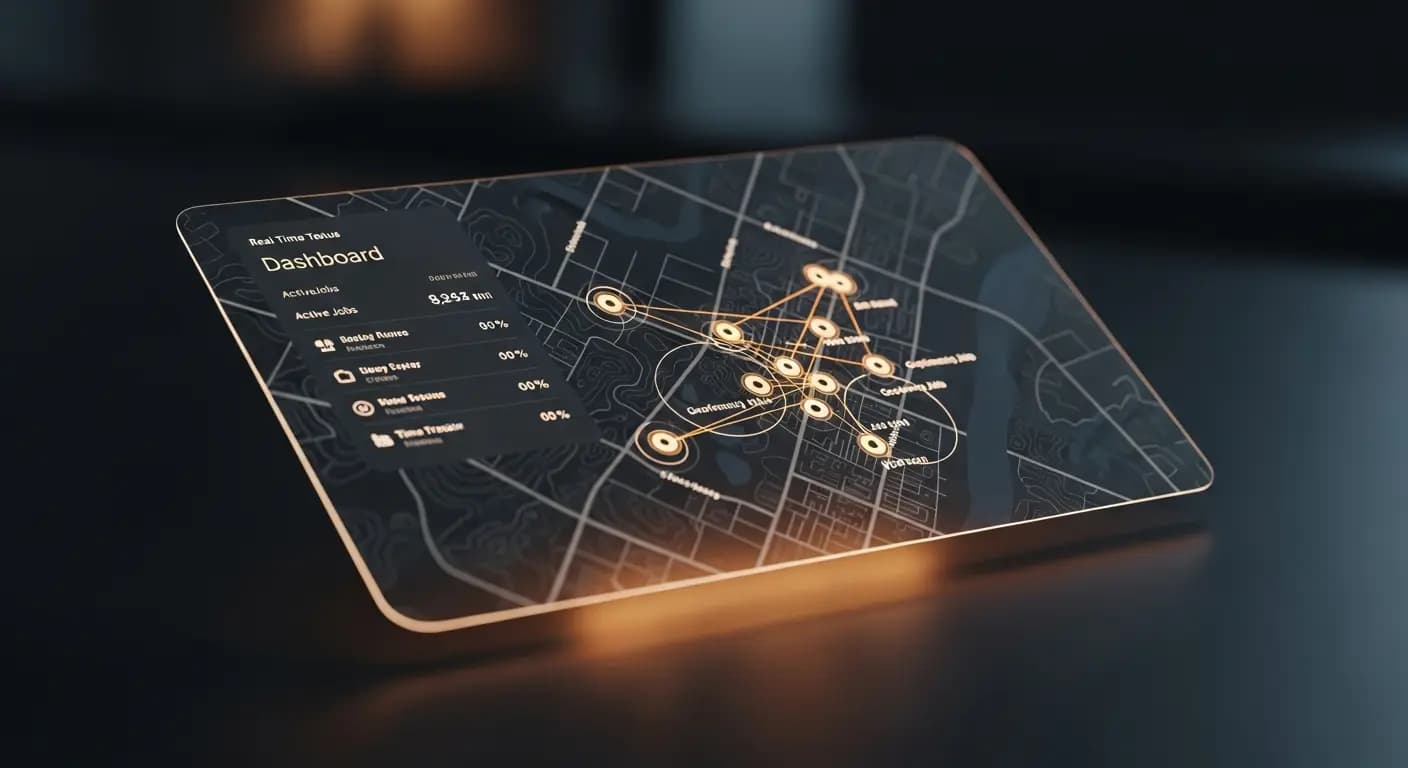
- ✗"Waar is Kevin?" — Voicemail, geen antwoord
- ✗Monteur bij de verkeerde klant ingepland
- ✗Geen idee of hij aangekomen is
- ✗Inzetten blind plannen — 10u/week verloren
- ✗Rollen en rechten? Iedereen ziet alles
- ✓Real-time kaart: elke monteur zichtbaar
- ✓Volgende job aan de dichtstbijzijnde monteur
- ✓GPS check-in — automatisch gedocumenteerd
- ✓Geofencing-zones bij elke klantlocatie
- ✓Rolgebaseerde rechten per medewerker
HET PROBLEEM
Monteurs onderweg, geen overzicht
Waar is de monteur? Is hij al bij de klant? Heeft hij het materiaal bij zich? U belt, hij neemt niet op. De klant vraagt wanneer er iemand komt. U weet het niet
Werktijden op de bouwplaats? Vertrouwenszaak
DE OPLOSSING
Geofencing en team-kaart
Automatische check-in/check-out per geofencing
Team-kaart met real-time posities
- Rollen: Admin, medewerker, monteur
- Machtigingen
- Geofencing-zones
- Check-in/check-out
- Team-kaart
Zo werkt het
Team uitnodigen
Per e-mail
Zones maken
Rond klantlocaties
Overzicht
Real-time kaart
Analyseren
Audit-logs
Een montagebedrijf met 5 medewerkers heeft geen complexe HR-software nodig — maar wel duidelijkheid over waar medewerkers zijn, wat ze doen en of ze op tijd bij de klant aankwamen. Geofencing en de teamkaart geven dit overzicht zonder zorgen over bewaking
Team overview in real time
Invite employees — configure role, permissions and work areas
Set up geofencing zones at client addresses — automatic check-in and check-out
Team map shows current locations of all active employees
Times are automatically recorded when employees enter or leave geofencing zones
UW VOORDELEN
- ✓Automatic check-in saves manual time entry
- ✓Deviations from planned routes immediately visible
- ✓Role-based permissions for different employee levels
- ✓Team map for dispatching with multiple simultaneous jobs
- ✓GDPR compliant: tracking only during working hours
Live GPS
team map
Geofencing
check-in/out
3 roles
admin · team · client
invitation
Veelgestelde vragen
Do employees know they are being tracked?
Yes. Tracking is transparent — employees can see it in the web app and it is limited to working hours
How large can geofencing zones be?
Configurable from 50 meters to several kilometers. Standard for client locations is 100-200 meters
What happens if an employee does not install the app?
Manual time entry is always possible. Geofencing and team map require the mobile browser view
Is this GDPR compliant?
Yes. Location data is only collected with explicit consent, exclusively during working hours and not shared with third parties
Team-management inrichten
9 €/maand · Betatester · 10 plekken per land
VoorregistrerenGERELATEERDE FUNCTIES