INSTRUMENT DE BUSINESS
Imprimanta ta știe ce urmează
Managementul mașinilor cu ferestre de timp. Progres în timp real per proiect
Rezervați-vă locul acum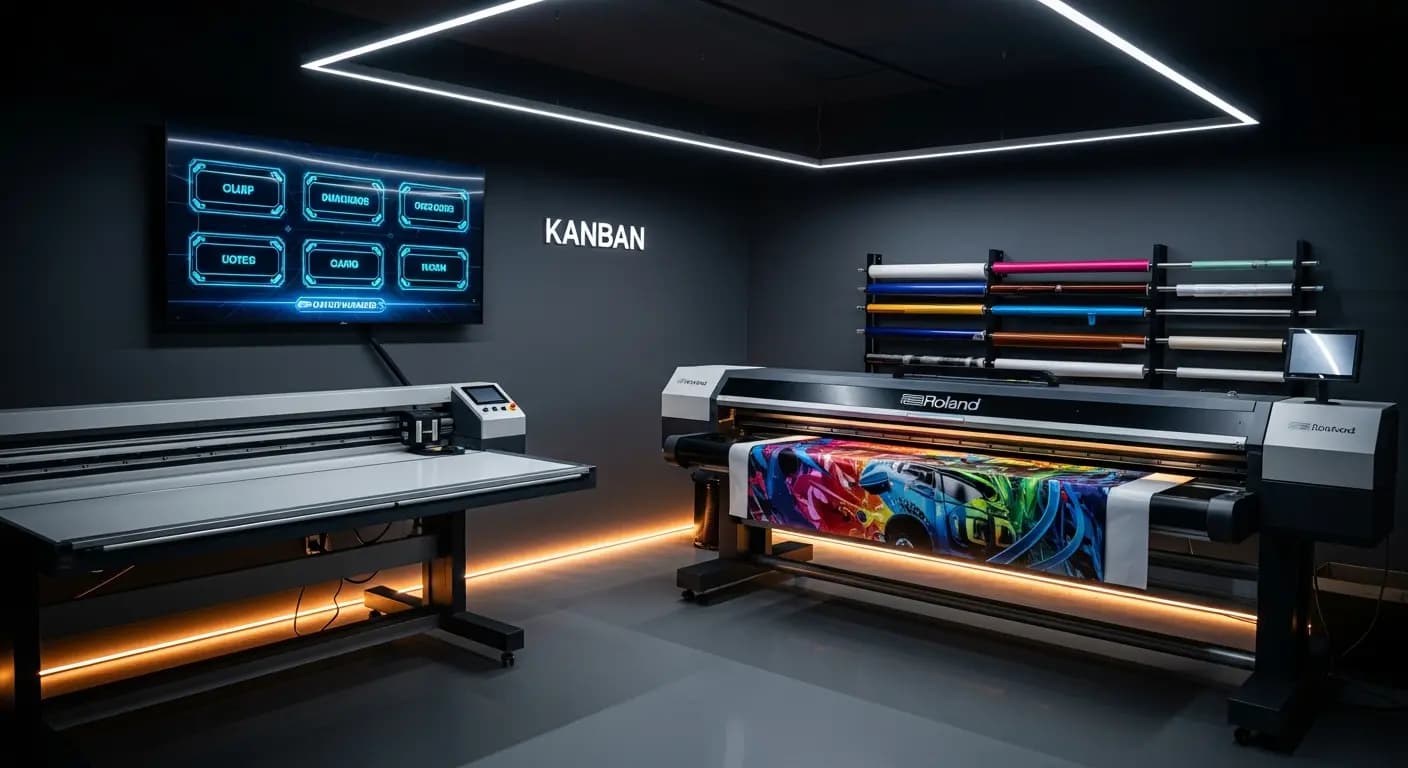
- ✗Planificare pe hârtie la perete — de săptămâna trecută
- ✗Tehnicienii întreabă: "Ce trebuie să fac?"
- ✗Fără status în timp real la lucrările active
- ✗De 3× mai multe schimbări de setup decât necesar
- ✗Încărcare mașină? Doar estimată
- ✓Kanban digital în atelier
- ✓Fiecare vede următoarea lucrare instant
- ✓Progres în timp real vizibil pentru toți
- ✓IA minimizează schimbările automat
- ✓Sloturi mașină planificate și urmărite
PROBLEMA
Producție în orbire
Lista de producție atârnă ca o hârtie pe peretele atelierului. Cine o modifică? Este proiectul Roland deja printat? Pot ocupa decupatorul Zünd mâine? Nimeni nu știe sigur
Timpii de așteptare și termenele ratate
SOLUȚIA
Vedere de ansamblu în timp real
Gestionează mașinile cu ferestre de timp
Optimizare KI pentru mai puține schimbări de configurare
- Managementul mașinilor
- Sloturi de producție
- Progres timp real
- Optimizare KI
- Vedere de ansamblu comenzi
Așa funcționează
Creează mașini
Cu capacități
Asignează proiecte
Alocă ferestre de timp
Urmărește
Status timp real
Optimizează
Secvență asistată KI
Controlul producției leagă managementul lucrărilor de planificarea mașinilor: fiecare lucrare care intră în producție este alocată unui interval de timp pe o mașină. Angajații văd în timp real ce se printează în continuare — fără notițe pe hârtie pe peretele atelierului
Digital production control
Store machines with capacities, setup times and time windows
Jobs from the Kanban are assigned to machine slots via drag & drop
Production display in the workshop shows the current plan in real time
Progress per job is tracked — delays become immediately visible
AVANTAJELE DUMNEAVOASTRĂ
- ✓No communication chaos between office and workshop
- ✓Real-time progress visible for all parties
- ✓Machine utilization at a glance
- ✓AI optimization suggestion reduces setup changes
- ✓Exportable production list as PDF or print
3×
fewer setup changes
20→6 min
per changeover
Drag & Drop
kanban
Live
progress
Întrebări frecvente
Can I manage multiple machines?
Yes. Unlimited machines with individual profiles: printer, plotter, router, laminator — everything that needs time slots
How is progress tracked?
Employees report start and end via the app or through the production display in the workshop
Can I enter maintenance windows?
Yes. Maintenance, holidays and machine downtime can be entered as blocked time windows
Does this connect with the AI production module?
Yes. The AI module uses the machine data from the production module for its optimization suggestions
Planifică producția digital
9 €/lună · Tester Beta · 10 locuri per țară
PreînregistrareFUNCȚIONALITĂȚI SIMILARE