أداة الأعمال
طابعتك تعرف ما يأتي بعد ذلك
إدارة الآلات مع الفترات الزمنية. التقدم في الوقت الفعلي لكل وظيفة
احجز مكانك الآن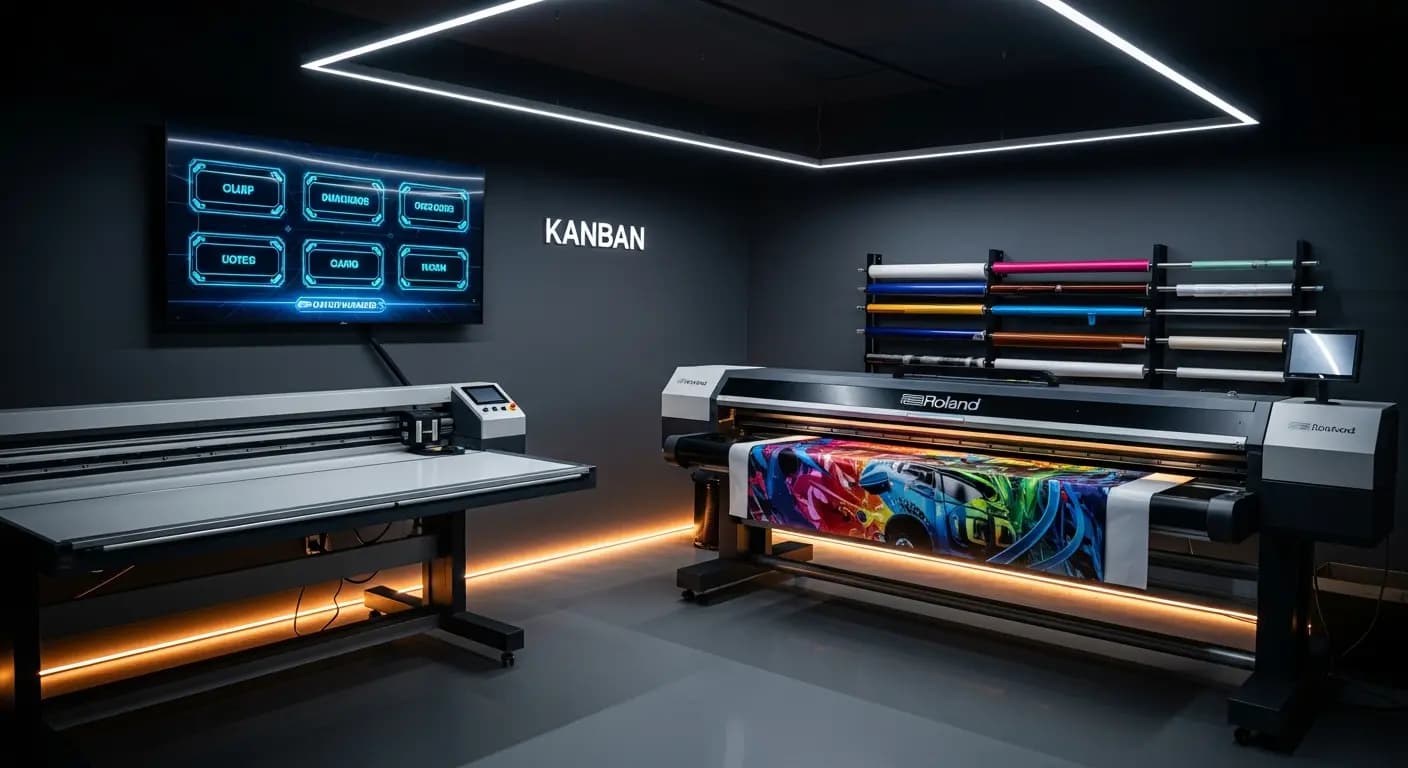
- ✗ورقة على جدار الورشة — من الأسبوع الماضي
- ✗الفنيون يسألون: "ماذا أفعل؟"
- ✗لا حالة فورية للأعمال الجارية
- ✗تغييرات إعداد أكثر بـ3 مرات من اللازم
- ✗حمولة الماكينات؟ مجرد تخمين
- ✓لوحة Kanban رقمية في الورشة
- ✓الجميع يرى عمله التالي فورًا
- ✓تقدم فوري مرئي للجميع
- ✓الذكاء الاصطناعي يقلل تغييرات الإعداد تلقائيًا
- ✓فتحات الماكينات مخططة ومتتبعة
المشكلة
الإنتاج بالعمى
قائمة الإنتاج معلقة كورقة على حائط الورشة. من يغيرها؟ هل تم طباعة وظيفة Roland؟ هل يمكنني حجز قاطع Zünd غدًا؟ لا أحد يعرف بالضبط
أوقات انتظار ومواعيد نهائية فائتة
الحل
نظرة عامة في الوقت الفعلي
إدارة الآلات مع الفترات الزمنية
تحسين KI لتقليل تغييرات الإعداد
- إدارة الآلات
- فترات الإنتاج
- التقدم في الوقت الفعلي
- تحسين KI
- نظرة عامة على الطلبات
كيف يعمل
إنشاء الآلات
مع القدرات
تعيين الوظائف
تخصيص الفترات الزمنية
التتبع
الحالة في الوقت الفعلي
التحسين
تسلسل مدعوم بـ KI
التحكم في الإنتاج يربط إدارة المهام بتخطيط الآلات: كل مهمة تدخل الإنتاج تُخصص لها فترة تشغيل على آلة. يرى الموظفون في الوقت الفعلي ما سيُطبع تاليًا — بدون ملاحظات ورقية على جدار الورشة
Digital production control
Store machines with capacities, setup times and time windows
Jobs from the Kanban are assigned to machine slots via drag & drop
Production display in the workshop shows the current plan in real time
Progress per job is tracked — delays become immediately visible
مزاياكم
- ✓No communication chaos between office and workshop
- ✓Real-time progress visible for all parties
- ✓Machine utilization at a glance
- ✓AI optimization suggestion reduces setup changes
- ✓Exportable production list as PDF or print
3×
fewer setup changes
20→6 min
per changeover
Drag & Drop
kanban
Live
progress
الأسئلة الشائعة
Can I manage multiple machines?
Yes. Unlimited machines with individual profiles: printer, plotter, router, laminator — everything that needs time slots
How is progress tracked?
Employees report start and end via the app or through the production display in the workshop
Can I enter maintenance windows?
Yes. Maintenance, holidays and machine downtime can be entered as blocked time windows
Does this connect with the AI production module?
Yes. The AI module uses the machine data from the production module for its optimization suggestions