أداة الأعمال
اعرف في 10 ثوان إذا كان متجرك يحقق أرباحاً
تقارير الإيرادات، تحليلات الربحية، منشئ التقارير المخصص
احجز مكانك الآن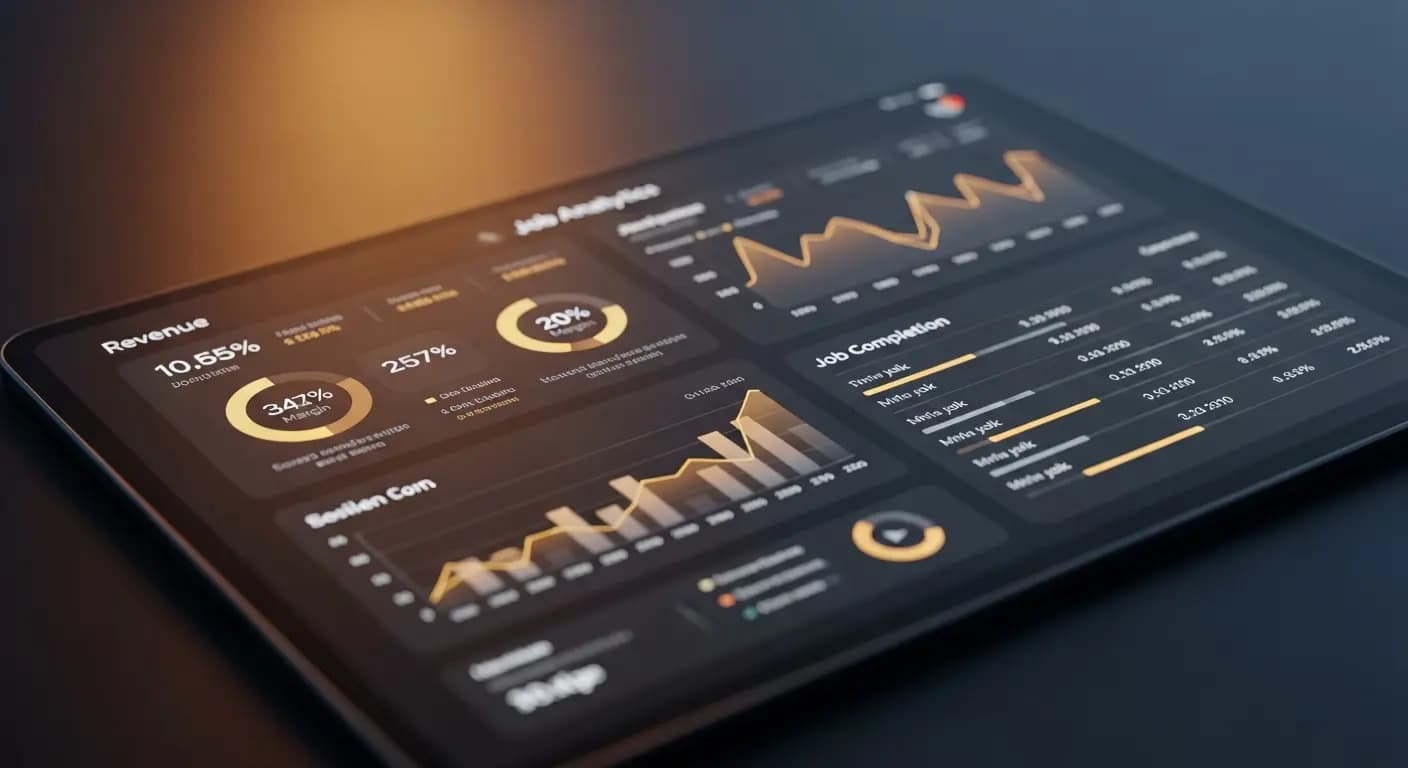
- ✗المحاسب يعطيك الأرقام بعد 6 أسابيع
- ✗Excel Pivot لتحليل بسيط
- ✗هامش الربح لكل طلب؟ لا أدري
- ✗طيار بلا أجهزة — تحليق أعمى
- ✗القرارات فقط عندما يفوت الأوان
- ✓لوحة معلومات فورية بجميع مؤشرات الأداء
- ✓الهامش والإيرادات والاستخدام بنظرة واحدة
- ✓الربحية لكل عميل وطلب
- ✓مقارنة الفترات تُظهر الاتجاهات فورًا
- ✓تصدير CSV/PDF للمحاسب بنقرة واحدة
المشكلة
لا فكرة عما إذا كان المتجر يعمل بنجاح
هل المتجر يحقق أرباحاً؟ أي عميل يجلب أكثر؟ أي نوع من الطلبات الأكثر ربحية؟ أنت لا تعرف — لأن البيانات موزعة في Excel وsevDesk وفي رأسك
البيانات في أنظمة مختلفة
الحل
التقارير بضغطة زر
الإيرادات، الربحية، تسجيل الوقت، العملاء
منشئ التقارير المخصص. الإعدادات المسبقة. التصدير
- تقارير الإيرادات
- الربحية
- تسجيل الوقت
- منشئ التقارير
- تصدير CSV/PDF
كيف يعمل
اختيار التقرير
مُعد مسبقاً أو مخصص
الفترة الزمنية
من يوم إلى سنة
التحليل
المخططات والجداول
التصدير
CSV أو PDF
ربحية العمل لا يظهرها رصيد الحساب — بل هامش الربح لكل مهمة، الربحية بالساعة وربحية العميل. تقارير PlotonIQ تُظهر هذه الأرقام دون قضاء ساعات في بناء جداول بيانات
Numbers that actually matter
Open the dashboard with key KPIs — revenue, open invoices, margin
Filter by client, period, employee or job type
Period comparison: this week vs. last week, this month vs. prior year
Export as PDF or CSV — for accountants, banks or investors
مزاياكم
- ✓Profitability per job and client at a glance
- ✓Time tracking analysis for job post-calculation
- ✓Custom report builder without programming knowledge
- ✓Period comparisons reveal trends early
- ✓Export for accountants and financial discussions
Live
revenue + margin
CSV + PDF
export
Custom
report builder
Plan-vs-Actual
post-calc
الأسئلة الشائعة
How current is the report data?
All reports are based on real-time data. There is no delay or nightly update
What is the custom report builder?
A visual editor for building your own reports from predefined data blocks — no SQL or programming required
Can employees access all reports?
No. Reports are role-based: employees see their own time tracking, business owners see all data
Which KPIs are available by default?
Revenue, margin, job volume, open invoices, time tracking by employee, client profitability and quote conversion rate