أداة عمل
تعرف أين فريقك. فريقك يعرف ما يجب فعله
الأدوار، الصلاحيات، السياج الجغرافي، خريطة الفريق
احجز مكانك الآن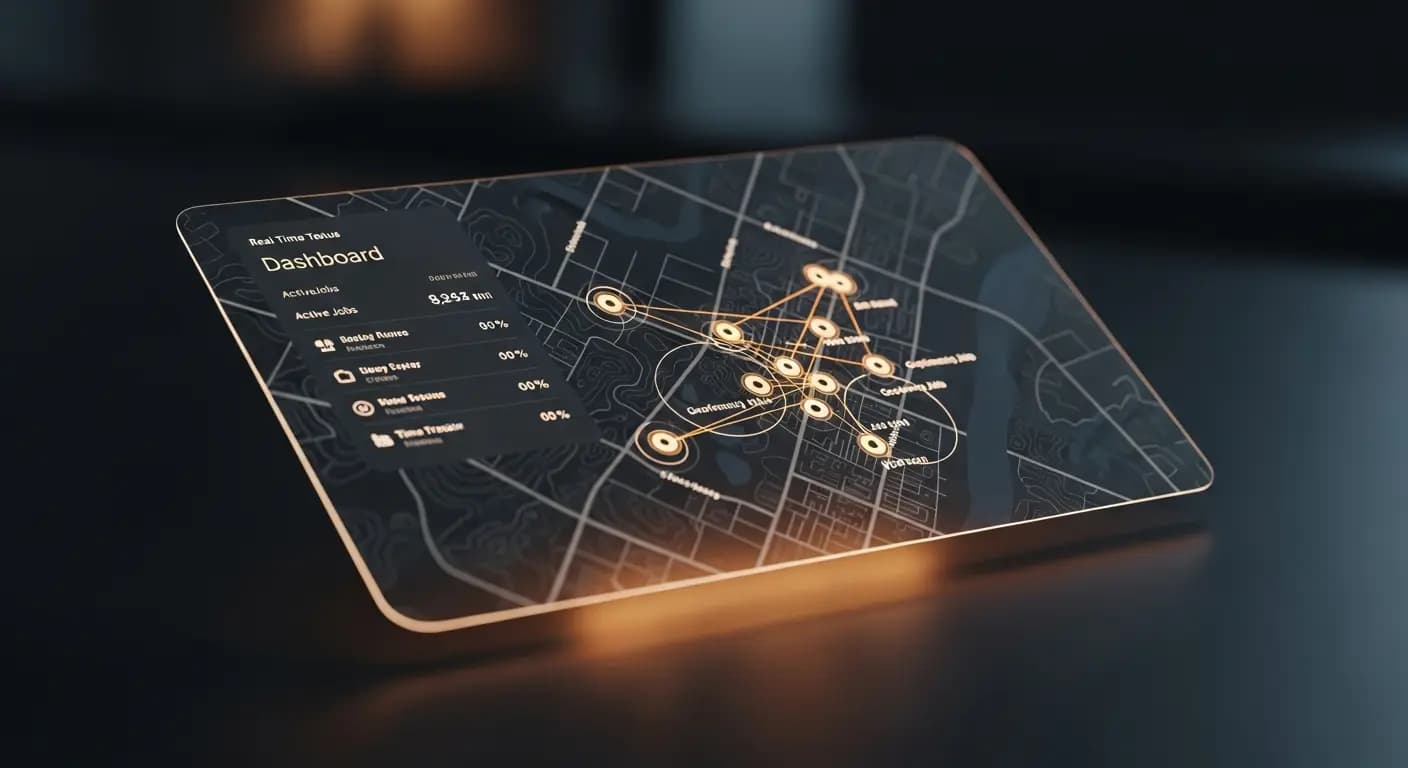
- ✗"أين كيفن؟" — بريد صوتي، لا رد
- ✗فني مجدول عند العميل الخطأ
- ✗لا تعرف إن وصل
- ✗تخطيط أعمى — 10 ساعات/أسبوع ضائعة
- ✗الأدوار والصلاحيات؟ الكل يرى كل شيء
- ✓خريطة فورية: كل فني مرئي
- ✓تعيين العمل التالي لأقرب فني
- ✓تسجيل GPS — موثق تلقائيًا
- ✓مناطق سياج جغرافي لكل موقع عميل
- ✓صلاحيات مبنية على الأدوار لكل موظف
المشكلة
المركبون في الطريق، لا نظرة عامة
أين المركب؟ هل وصل عند العميل؟ هل معه المواد؟ تتصل، لا يرد. العميل يسأل متى سيأتي أحد. لا تعرف
ساعات العمل في موقع البناء؟ مسألة ثقة
الحل
السياج الجغرافي وخريطة الفريق
تسجيل وصول/خروج تلقائي عبر السياج الجغرافي
خريطة الفريق بمواقع الوقت الفعلي
- الأدوار: مدير، موظف، مركب
- الصلاحيات
- مناطق السياج الجغرافي
- Check-in/Check-out
- خريطة الفريق
كيف يعمل
دعوة الفريق
عبر البريد الإلكتروني
إنشاء المناطق
حول مواقع العملاء
النظرة العامة
خريطة الوقت الفعلي
التقييم
سجلات التدقيق
شركة تركيب بـ5 موظفين لا تحتاج برنامج موارد بشرية معقد — لكنها تحتاج وضوحًا حول أماكن الموظفين وما يفعلونه وهل وصلوا في الوقت المحدد عند العميل. تحديد المواقع الجغرافية وخريطة الفريق يوفران هذه النظرة دون مخاوف المراقبة
Team overview in real time
Invite employees — configure role, permissions and work areas
Set up geofencing zones at client addresses — automatic check-in and check-out
Team map shows current locations of all active employees
Times are automatically recorded when employees enter or leave geofencing zones
مزاياكم
- ✓Automatic check-in saves manual time entry
- ✓Deviations from planned routes immediately visible
- ✓Role-based permissions for different employee levels
- ✓Team map for dispatching with multiple simultaneous jobs
- ✓GDPR compliant: tracking only during working hours
Live GPS
team map
Geofencing
check-in/out
3 roles
admin · team · client
invitation
الأسئلة الشائعة
Do employees know they are being tracked?
Yes. Tracking is transparent — employees can see it in the web app and it is limited to working hours
How large can geofencing zones be?
Configurable from 50 meters to several kilometers. Standard for client locations is 100-200 meters
What happens if an employee does not install the app?
Manual time entry is always possible. Geofencing and team map require the mobile browser view
Is this GDPR compliant?
Yes. Location data is only collected with explicit consent, exclusively during working hours and not shared with third parties