AI MODULE
AI Production: More Print Time, More Revenue
Optimal production sequence based on machine times, material groups and deadlines — with no API costs
Secure your spot now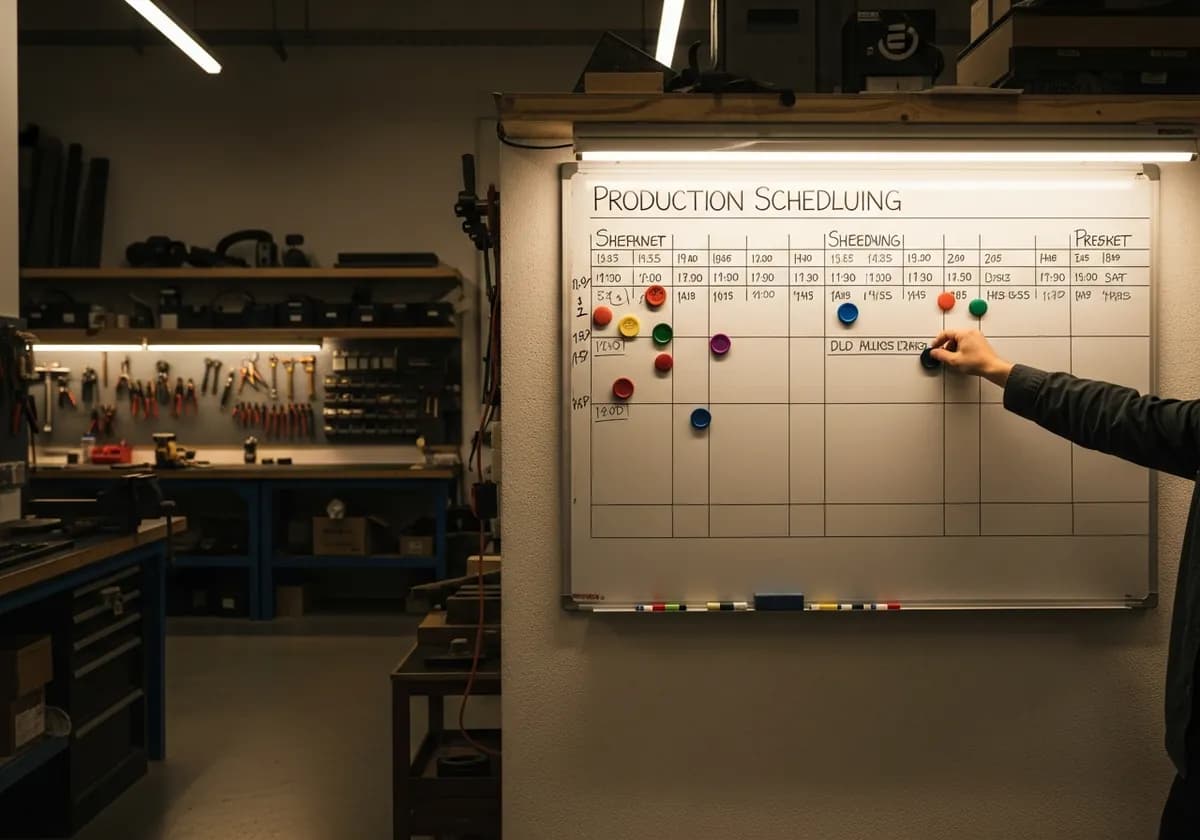
- ✗6 changeovers per day — 2 hours lost
- ✗Sequence planned by gut feeling
- ✗Rush order forgotten — deadline missed
- ✗Material groups not consolidated
- ✗No idea if the daily plan works out
- ✓AI groups materials — 2 changeovers instead of 6
- ✓Physics-based sequence optimization
- ✓Rush orders automatically prioritized
- ✓Same substrates printed back to back
- ✓Machine utilization at a glance
THE PROBLEM
Chaotic production scheduling
Your printer changes material 6 times a day. Each changeover: 20 minutes. That's 2 hours of productive print time lost — every single day
Every material change costs 15–30 minutes
THE SOLUTION
Physics-based optimisation
AI sorts jobs by material group and minimises changeovers
Deadline prioritisation for urgent jobs
- Machine time calculation
- Material group sorting
- Setup time minimisation
- Deadline prioritisation
- No API costs
How it works
Add jobs
With material and deadline
Run optimisation
One click is all it takes
Review sequence
Material-group optimised
Produce
Fewer changeovers, more output
Every material change on the printer costs 15-30 minutes of setup time. With 6 changes per day, that is up to 3 hours of waste. The AI production planning sorts jobs by material groups and machine times to minimize setup changes and maximize throughput
How the optimization works
All open jobs are analyzed by material, format and urgency
AI groups jobs that can be produced together — same materials, similar formats
Deadlines are factored in: urgent jobs are moved up without destroying the overall plan
Optimized production plan with estimated machine run times and setup times
YOUR BENEFITS
- ✓Fewer material changes means more print time
- ✓Deadline prioritization automatically considered
- ✓Machine utilization visible at a glance
- ✓Base setup time data from your stored machine specs
- ✓Exportable production list for the workshop
Frequently Asked Questions
Which machines are supported?
You can store any machines with individual setup times, material capacities and time windows. No restriction to specific manufacturers
What happens with rush jobs?
Jobs with the "Rush" flag are treated with higher priority in the optimization algorithm. The plan is recalculated when a rush job comes in
How accurate are the time estimates?
The AI uses your stored machine data. The more accurate your spec sheets, the more precise the estimates. You can manually correct experience values
Can the plan be manually overridden?
Yes. The AI plan is a suggestion — you can rearrange jobs by drag and drop