BUSINESS TOOL
Production Control: Your Printer Always Knows
Machine management with time windows. Real-time progress per job
Secure your spot now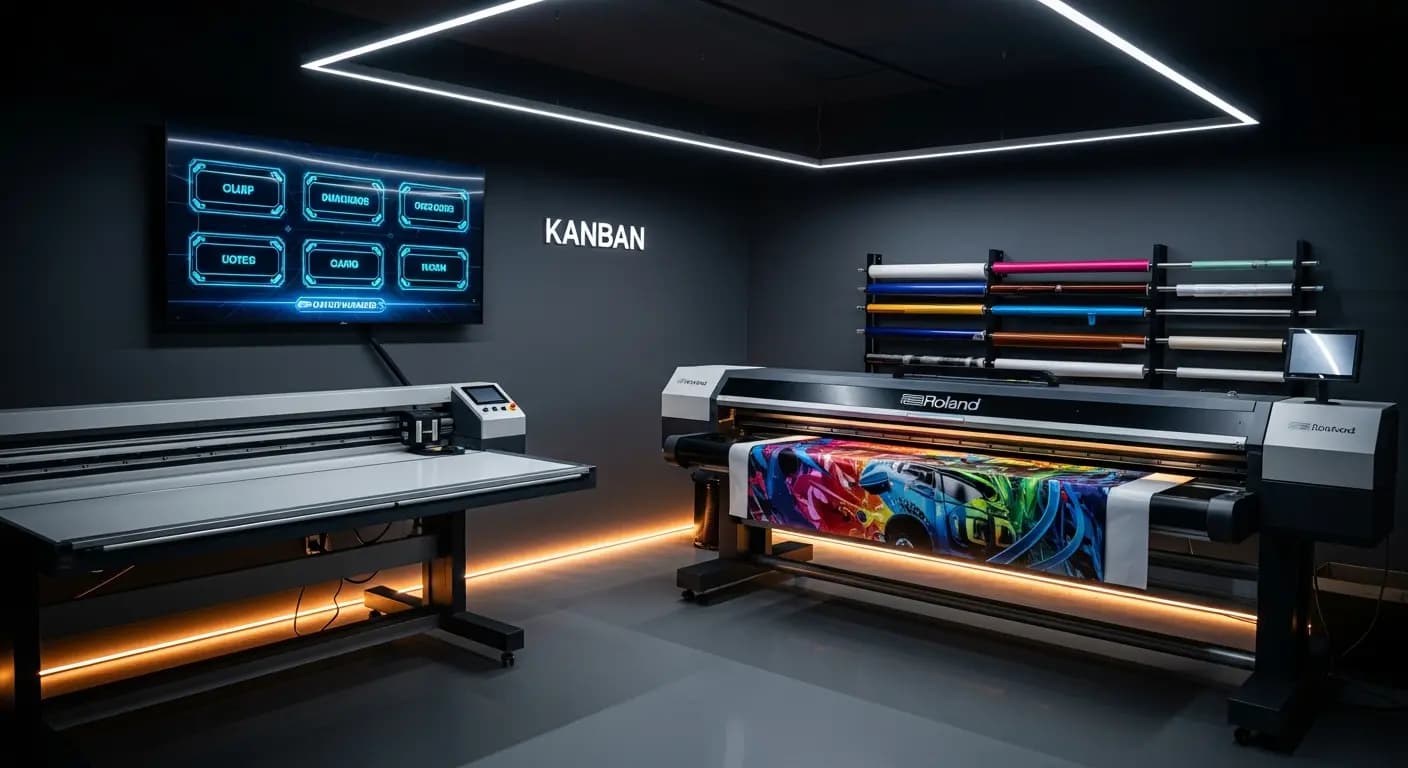
- ✗Note on the workshop wall — from last week
- ✗Installers ask: "What should I do?"
- ✗No real-time status for running jobs
- ✗3x more changeovers than necessary
- ✗Machine utilization? Just a guess
- ✓Digital Kanban board in the workshop
- ✓Everyone sees their next job instantly
- ✓Real-time progress visible to everyone
- ✓AI minimizes changeovers automatically
- ✓Machine slots planned and tracked
THE PROBLEM
Production flying blind
The production list is a piece of paper pinned to the workshop wall. Who updates it? Has the Roland job been printed? Can I book the Zünd cutter tomorrow? Nobody knows for sure
Waiting times and missed deadlines
THE SOLUTION
Real-time overview
Manage machines with time windows
AI optimisation for fewer changeovers
- Machine management
- Production slots
- Real-time progress
- AI optimisation
- Job overview
How it works
Add machines
With their capacities
Assign jobs
Allocate time windows
Track
Real-time status
Optimise
AI-powered sequence
Production control connects job management and machine planning: every job that enters production is assigned to a machine time slot. Employees see in real time what is being printed next — without paper notes on the workshop wall
Digital production control
Store machines with capacities, setup times and time windows
Jobs from the Kanban are assigned to machine slots via drag & drop
Production display in the workshop shows the current plan in real time
Progress per job is tracked — delays become immediately visible
YOUR BENEFITS
- ✓No communication chaos between office and workshop
- ✓Real-time progress visible for all parties
- ✓Machine utilization at a glance
- ✓AI optimization suggestion reduces setup changes
- ✓Exportable production list as PDF or print
3×
fewer setup changes
20→6 min
per changeover
Drag & Drop
kanban
Live
progress
Frequently Asked Questions
Can I manage multiple machines?
Yes. Unlimited machines with individual profiles: printer, plotter, router, laminator — everything that needs time slots
How is progress tracked?
Employees report start and end via the app or through the production display in the workshop
Can I enter maintenance windows?
Yes. Maintenance, holidays and machine downtime can be entered as blocked time windows
Does this connect with the AI production module?
Yes. The AI module uses the machine data from the production module for its optimization suggestions